Highlights
- Manual rank checking consumes 15+ hours monthly for agencies – automated dashboards reduce this to just 30 minutes of setup
- Automated keyword ranking dashboards eliminate 12+ browser tabs and 3-hour manual updates every Monday morning
- Professional SEO dashboards increase client satisfaction by providing real-time insights instead of static PDF reports
- Ready-to-use dashboard templates serve unlimited keyword tracking needs across multiple clients
- Real-time ranking alerts help agencies respond to opportunities and ranking changes instantly
Every Monday morning started the same way for Sarah. Twelve browser tabs open across Google Search Console, SEMrush, and Excel spreadsheets. Copy-pasting keyword positions manually for six different clients.
Each keyword ranking dashboard update took three hours minimum. The process felt endless and error-prone.
Then Sarah discovered automated dashboards in Looker Studio. Her manual reporting transformed into dynamic, client-ready SEO ranking dashboards.
Now she delivers professional insights in minutes, not hours. This guide shows you exactly how to build these game-changing dashboards yourself.
SUMMARY
Step-by-step guide for building keyword ranking dashboards in Looker Studio. Learn rank tracking setup, SEO dashboard creation, automated keyword reporting, and professional client reports. Includes essential metrics, data source integration, visualization techniques, and ready-to-use templates for agencies tracking keyword performance.
What is a Keyword Ranking Dashboard?
A keyword ranking dashboard is an automated reporting system that consolidates keyword position data from multiple sources into visual Looker Studio reports, enabling real-time rank tracking, competitor analysis, and professional client reporting without manual data copying.
How Keyword Ranking Dashboards Actually Work
Modern SEO ranking dashboards operate through five essential steps. Each step builds upon the previous one seamlessly.
- Data Collection: Automated rank checking from multiple sources
- Data Integration: Combining sources in Looker Studio for unified reporting
- Visualization: Charts and tables creation with interactive elements
- Automation: Scheduled updates and alerts for ranking changes
- Reporting: Client-ready dashboard delivery with white-label options
The beauty lies in automation and integration. Traditional rank tracker dashboards require constant manual updates and maintenance.
Looker Studio SEO dashboards eliminate this friction completely. They update automatically and provide real-time insights with tools like Google Ads Template – Looker Studio.
Why Agencies Need Ranking Dashboards
Time Savings Benefit
Manual rank checking consumes 15+ hours monthly for agencies. Automated keyword ranking report templates reduce this to 30 minutes of initial setup.
The time savings compound across multiple clients. One dashboard setup serves unlimited keyword tracking needs.
Professional Client Reports
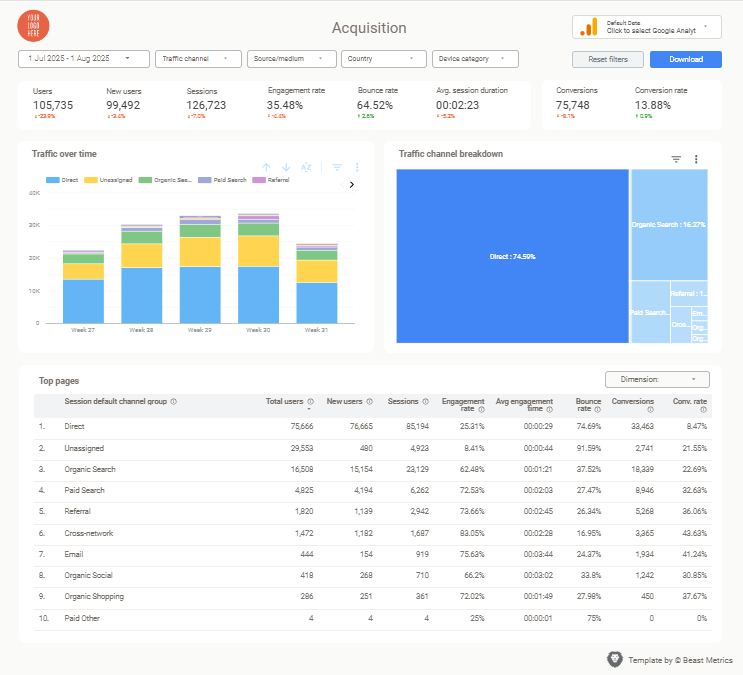
Clients expect professional, branded reporting that demonstrates clear ROI. Ranking dashboards provide interactive visuals that impress stakeholders instantly.
These dashboards eliminate the need for static PDF reports. Clients access live data whenever they want updates.
Clear ROI Demonstration
SEO keyword dashboards connect ranking improvements directly to business outcomes. Visual trend charts show progress over time clearly.
Clients understand the value of your SEO efforts immediately. No more explaining spreadsheet data or complex analytics.
Step-by-Step Dashboard Building
Step 1: Choose Your Data Sources
Setting up rank tracker dashboard data sources requires careful tool selection. Free and paid options each offer distinct advantages.
Time-Saving Alternative: Skip the complex setup with Beast Metrics’ plug-and-play templates. They’re pre-configured for popular SEO tools and ready to use in minutes.
Google Search Console provides basic keyword data at no cost. It shows actual search performance and user behavior patterns.
SEMrush or Ahrefs offer comprehensive competitor analysis and precise rankings. These tools excel at tracking specific keyword positions.
Google Sheets serves as a flexible bridge between tools. You can blend multiple data sources seamlessly.
Step 2: Connect Data to Looker Studio
Connecting SEO keyword dashboard data follows a standardized process. Start by opening Looker Studio and selecting “Create Report.”
Choose your primary data source from available connectors. The Google Search Console connector integrates seamlessly with minimal setup.
Configure field mapping for keywords, positions, and dates. Set up automatic refresh schedules for daily updates.
Step 3: Build Dashboard Layout
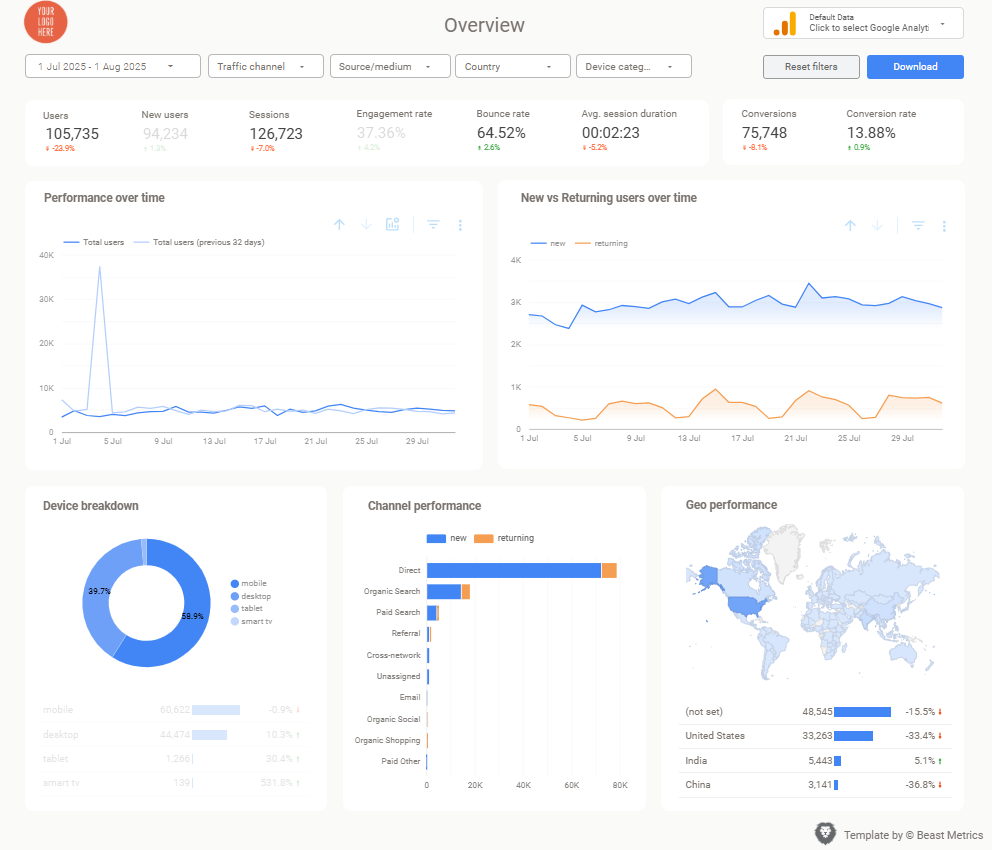
Designing your keyword ranking dashboard requires strategic component placement. Essential charts include keyword detail tables and trend visualizations.
Place summary scorecards at the top for immediate impact. Position the trend chart prominently below scorecards.
Add the detailed keyword table in the lower section. This layout ensures logical information flow and easy scanning.
Step 4: Setup Automation
Automated data refresh eliminates manual intervention completely. Configure daily updates during off-peak hours for optimal performance.
Set up alert notifications for significant ranking changes. These alerts help you respond to opportunities quickly.
Configure client sharing permissions for seamless collaboration. Clients receive live updates without additional effort, similar to a GA4 Looker Studio Template – Ecommerce.
Advanced Features & Best Practices
Competitor Analysis
SEO ranking dashboards excel when they include competitive intelligence. Track competitor keyword positions alongside your own rankings.
Keyword ranking dashboards reveal market share opportunities instantly. Identify gaps where competitors are winning unfairly.
Conversion Attribution
Connect ranking improvements to actual business results. Link Looker Studio SEO dashboard data with conversion tracking systems.
Show how top-3 rankings drive more qualified traffic. Demonstrate the revenue impact of improved keyword positions.
Multi-Client Management
Scale your ranking dashboard approach across multiple clients efficiently. Create template structures that clone quickly for new accounts.
Agency Success Tip: Beast Metrics offers white-label dashboard templates specifically designed for agencies managing multiple clients. Their templates include automated client branding and customizable KPI selections.
Customize branding and metrics for each client’s needs. Maintain consistency while allowing for unique requirements.
Common Mistakes to Avoid
Avoid these four critical errors when building your dashboard:
- Tracking too many irrelevant keywords – Focus on high-value, conversion-driving terms
- Creating cluttered dashboards – Keep layouts clean and scannable for clients
- Ignoring mobile performance – Track mobile and desktop rankings separately
- Not validating data accuracy – Cross-check initial data with manual verification
Keyword ranking dashboards work best when they focus on actionable insights. Rank tracker dashboards should guide decision-making, not overwhelm with data and can be aligned with a SEO report template.
SEO ranking dashboards require ongoing optimization and refinement. Regular client feedback helps improve dashboard effectiveness.