Key Highlights:
• Free templates require 5-10x more customization time
• Paid templates include automated insights and trend analysis
• Hidden connector costs can make “free” templates expensive
• Agency workflows benefit most from premium template features
• Template maintenance and updates vary drastically by source
“Should you pay $200 for a Looker Studio template when free ones exist? After testing 47 templates across both categories, here’s what actually matters.”
Your client just asked for a “comprehensive dashboard by Friday” and you’re staring at a blank Looker Studio screen. Free template from Google’s gallery? That’s 6 hours of tweaking and praying it works. Premium template for $150? Feels expensive until you realize your time costs more than that. This exact moment, cursor hovering between “free” and “buy now”, happens to every marketer eventually.
After building dozens of dashboards for agencies and businesses, I’ve learned that this decision isn’t just about budget. It’s about what you’re really getting (and giving up) with each option. Free templates can be powerful starting points, but they come with hidden costs in time and functionality. Premium templates offer advanced features and support, but they’re not always worth the investment.
In this complete comparison, I’ll share what I’ve discovered about when free templates work, when paid templates pay off, and how to make the right choice for your specific situation. The looker studio free vs paid debate has clear winners depending on your circumstances. Whether you’re a solo consultant watching every penny or an agency managing multiple client reports, you’ll know exactly which path makes sense for your needs.
What Are Looker Studio Templates and Why They Matter
Looker Studio templates are pre-built dashboard reports that you can copy and customize for your own data visualization needs. Think of them as the reporting equivalent of website themes, they provide the structure, design, and basic functionality so you don’t have to start from scratch.
These templates matter because building effective dashboards from scratch is incredibly time-intensive. What takes 6-8 hours to build manually can be reduced to 15-30 minutes with the right template. They also enforce best practices for data visualization, ensuring your reports are both functional and professional-looking.
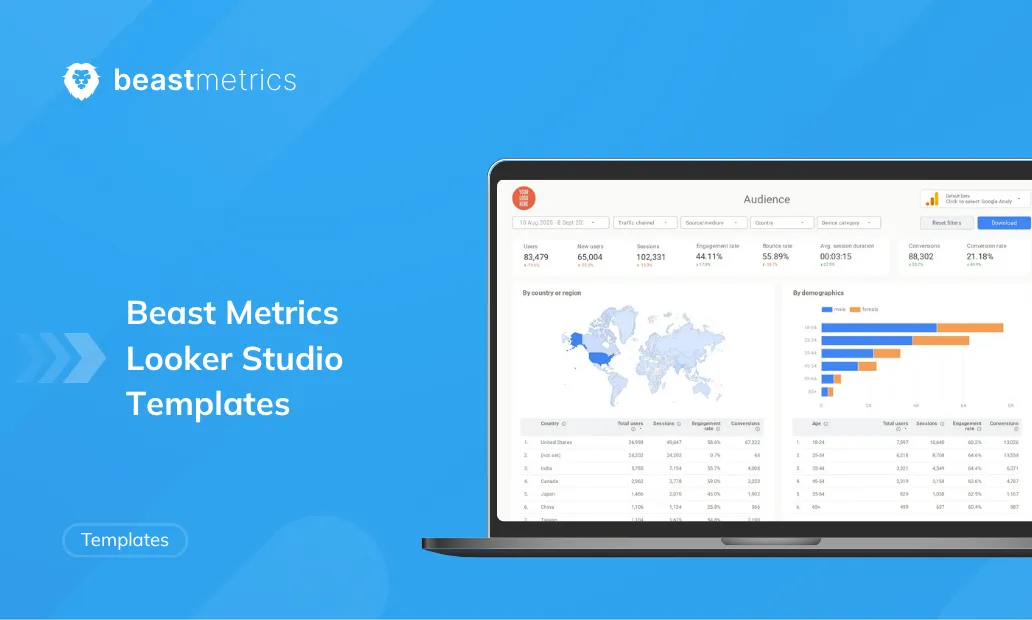
Templates are available from multiple sources: Google’s official gallery offers free community-contributed options, while companies like Beast Metrics, Data Bloo, and others provide premium alternatives with advanced features and support.
Note: Looker Studio was formerly called Google Data Studio, so you’ll see both terms used interchangeably in online searches and documentation.
Free Looker Studio Templates: What You Actually Get
Benefits of Free Templates
Zero Upfront Cost The obvious advantage, you can access and use free templates without any financial commitment. This makes them perfect for testing ideas, learning Looker Studio basics, or handling one-off projects with minimal scope.
Immediate Availability Free templates are accessible instantly through Google’s official gallery or community forums. No approval processes, payment setups, or vendor communications required.
Basic Functionality Coverage Most free templates handle standard metrics effectively. If you need simple Google Analytics reporting or basic Google Ads performance tracking, free options often provide adequate coverage.
Learning and Experimentation Free templates serve as excellent educational tools. You can reverse-engineer them to understand dashboard construction, then apply those insights to your own custom builds.
Community-Driven Innovation Many free templates come from experienced practitioners sharing their expertise. This crowd-sourced approach sometimes produces creative solutions you wouldn’t find in commercial products.
Limitations of Free Templates
Limited Analytical Depth Free templates typically display raw metrics without interpretation or context. You’ll see clicks, impressions, and conversion rates, but you won’t get automated insights about trends, anomalies, or optimization opportunities.
Generic Design and Branding Most free templates follow one-size-fits-all design approaches. They rarely accommodate custom branding beyond basic color changes, making them unsuitable for client-facing presentations that require professional polish.
Manual Setup Requirements Free templates often require significant configuration work. You’ll need to manually connect data sources, adjust field mappings, fix broken connections, and troubleshoot compatibility issues, work that can take several hours.
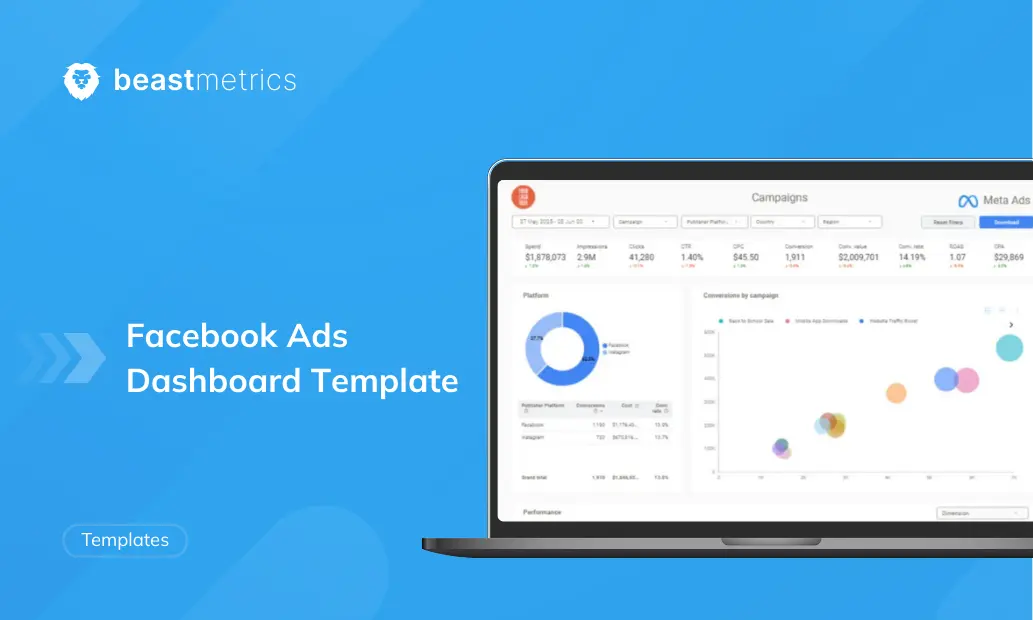
Hidden Connector Costs While the template itself is free, connecting non-Google data sources (Facebook Ads, Shopify, etc.) typically requires paid third-party connectors. These subscription costs can quickly make “free” templates expensive.
No Guaranteed Support or Updates Community templates receive irregular updates, if any. When Google updates its APIs or when data source configurations change, you’re responsible for fixing any resulting issues yourself.
Performance Limitations Free templates aren’t always optimized for speed or efficiency. Templates created by beginners may include inefficient queries or excessive data calls that slow loading times or hit usage limits.
Paid Looker Studio Templates: Investment vs Return
Advantages of Premium Templates
Time-Saving Setup and Automation Premium templates typically offer guided setup processes or even one-click deployment. What might take 5-6 hours to configure with a free template often reduces to 15-30 minutes with a well-designed paid alternative.
Advanced Analytics and Insights Paid templates frequently include calculated fields, trend analysis, and automated insights that go beyond basic metrics. You might get ROI calculations, cohort analysis, or performance alerts that highlight important changes automatically.
Professional Design and Customization Premium templates are designed for client presentations and stakeholder reporting. They typically include multiple layout options, professional color schemes, and easy branding customization that makes reports look polished without additional design work.
Comprehensive Documentation and Support When you purchase a premium template, you usually receive setup guides, video tutorials, and access to customer support. This support can be invaluable when you encounter issues or need customization guidance.
Regular Updates and Maintenance Reputable premium template providers maintain their products, issuing updates when platforms change APIs or introduce new features. This ongoing maintenance protects your investment and keeps reports functional long-term.
Multi-Source Integration Premium templates often include sophisticated data blending from multiple platforms, creating unified dashboards that combine Google Analytics, advertising data, and other sources in ways that free templates rarely achieve effectively.
Disadvantages of Paid Templates
Upfront Investment Required Premium templates typically cost $50-$300 depending on complexity and provider. For individuals or small businesses with tight budgets, this cost may be difficult to justify for occasional reporting needs.
Quality Variation Among Providers Not all premium templates deliver equal value. Some vendors offer marginally better templates at premium prices, making due diligence essential before purchasing.
Potential Feature Overwhelm Comprehensive premium templates can include more functionality than needed, creating complex dashboards that may confuse stakeholders or slow performance for simple reporting requirements.
Vendor Dependency Risks When you rely on premium templates, you become dependent on the vendor’s continued support and business stability. If they discontinue products or go out of business, you may lose access to updates or support.
Learning Curve for Advanced Features Premium templates often include sophisticated features that require time to understand and implement effectively. The initial time savings may be offset by the learning investment required.
Side-by-Side Comparison: Free vs Paid Templates
| Feature | Free Templates | Paid Templates |
|---|---|---|
| Setup Time | 3-6 hours (manual configuration) | 15-30 minutes (guided setup) |
| Data Sources | Limited to free connectors | Often includes premium integrations |
| Insights Depth | Basic metrics display | Advanced calculations and trend analysis |
| Design Quality | Generic, limited customization | Professional, brand-ready design |
| Support | Community forums only | Dedicated customer support |
| Updates | Irregular or none | Regular maintenance included |
| Cost | $0 upfront, hidden connector costs | $50-$300 one-time, transparent pricing |
| Best For | Learning, simple projects, tight budgets | Agencies, client reporting, ongoing use |
When Free Templates Make Sense
Solo Entrepreneurs and Bloggers If you’re tracking basic website performance or running small advertising campaigns, free templates often provide sufficient functionality. The time investment in customization may be worthwhile when budgets are extremely tight.
Learning and Skill Development Free templates excel as educational tools. If you’re learning Looker Studio or want to understand dashboard construction principles, starting with free options helps you build expertise before investing in premium solutions.
One-Off Projects and Experiments For temporary reporting needs or testing new approaches, free templates offer low-risk experimentation. You can validate reporting concepts before committing to more comprehensive solutions.
When Paid Templates Justify Investment
Agency and Client Work Agencies consistently benefit from premium templates because they amplify efficiency across multiple clients while delivering professional presentation quality that justifies higher service fees.
Regular Reporting Requirements If you produce monthly, weekly, or daily reports, the time saved with premium templates compounds quickly. A template that saves 4 hours monthly pays for itself within 2-3 months at most professional billing rates.
Multi-Platform Data Integration When you need unified reporting across Google Analytics, advertising platforms, ecommerce data, and other sources, premium templates typically handle complex data blending more effectively than free alternatives.
Stakeholder Presentations Client presentations, board reports, and executive dashboards benefit significantly from the professional design and automated insights that premium templates provide.
Making the Right Choice: Decision Framework
The 3 S’s: Scope, Skill, Stakes
Scope: How complex are your reporting needs?
- Simple single-source reporting → Free templates likely sufficient
- Multi-platform integration with advanced metrics → Premium templates recommended
Skill: How comfortable are you with technical customization?
- High technical comfort → Free templates viable with time investment
- Limited technical skills → Premium templates reduce frustration and setup time
Stakes: How important is report quality and reliability?
- Internal use, informal reporting → Free templates acceptable
- Client-facing, business-critical reporting → Premium templates provide necessary polish and reliability
Scenario-Based Recommendations
If you’re a freelance marketer with 3-5 clients: Start with one comprehensive premium template for your primary reporting need (likely Google Analytics + Ads integration). Use this for all client work to maintain consistency and efficiency. The time savings will justify the cost within your first month of use.
If you’re an in-house marketer at a growing company: Begin with free templates to understand your exact requirements, then invest in premium templates for your most time-intensive reports. Focus premium investment on reports you produce weekly or monthly rather than one-off analyses.
If you’re running a digital agency: Premium templates are essential infrastructure. The professional presentation quality and time efficiency directly impact your service delivery and profitability. Budget for 2-3 premium templates covering your core service areas.
Tips to Maximize Template Value (Free or Paid)
Optimization Strategies
Document Your Customizations Whether using free or paid templates, maintain notes about any modifications you make. This documentation becomes invaluable when troubleshooting issues or training team members.
Test with Sample Data First Before connecting live client or business data, test templates with sample datasets to understand their functionality and identify any customization needs.
Establish Template Libraries Create organized collections of your most effective templates (free and paid) with notes about their ideal use cases and any setup requirements.
Plan for Maintenance Budget time for regular template maintenance, especially with free options. Check quarterly for broken connections, outdated metrics, or performance issues.
Leverage Template Combinations Sometimes the best solution combines elements from multiple templates. Use free templates as learning tools to understand features you can request in premium templates or build yourself.
Wrapping Up: Making Templates Work for Your Reporting
Free Looker Studio templates offer an excellent starting point for basic reporting needs and learning purposes. They’re particularly valuable when budgets are tight or you’re exploring new reporting approaches. However, they require significant time investment and technical comfort to implement effectively.
Premium templates justify their cost through time savings, professional presentation quality, and ongoing support. They’re essential tools for agencies, frequent reporting, and client-facing work where polish and reliability matter.
The best approach often combines both: use free templates for learning and experimentation, then invest in premium solutions for your most critical reporting needs. This balanced strategy maximizes value while building expertise.
As someone who has built dozens of dashboards for various clients and use cases, I’ve found that the right template choice depends more on your specific situation than any universal “best” option. Whether you choose free or premium, focus on templates that solve real problems and save meaningful time.
If you’re ready to explore professional-grade templates that deliver both time savings and impressive results, check out Beast Metrics’ collection of looker studio template options. Our templates are designed by marketers for marketers, focusing on the insights that actually drive decisions rather than just displaying data.
Happy dashboarding, and remember, the best template is the one that gets you focusing on results instead of wrestling with reports.
Frequently asked questions
You cannot find your question? Feel free to contact us